Grid

The grid block puts one to four other blocks side by side in a row. Use it when the items are genuinely parallel — three services, four contacts, two options — so the reader compares them at a glance instead of scrolling past them.

1 · What goes in a column

Text, Teasers, Listings or Images.

Create complex layouts bu using the grids and stacking them on top of each other.

The Page content type can be used to display content on a single page of the website. Pages can be structured using text, images and blocks.

| Head title

The News Item content type can be used to display News content on the website.

Mixed block types

Columns need not hold the same kind of block. Here a text column and an image sit together.

Text

Integer posuere erat a ante venenatis dapibus posuere velit aliquet. Donec sed odio dui. Curabitur blandit tempus porttitor.

Cum sociis natoque penatibus et magnis.

Image

2 · How many columns

Add from one to four columns on any Grid block. Stack multiple Grid blocks to create complex and cohesive layouts.

The accordion contains other blocks in an accordion behavior layout.

The button block shows a button for which a link (internal or external) can be stored. The button can be displayed left, right or center and have a background color.

The carousel block shows a horizontally scrolling row of teaser cards. Editors can configure the number of items to show, an optional headline and whether the descriptions are displayed.

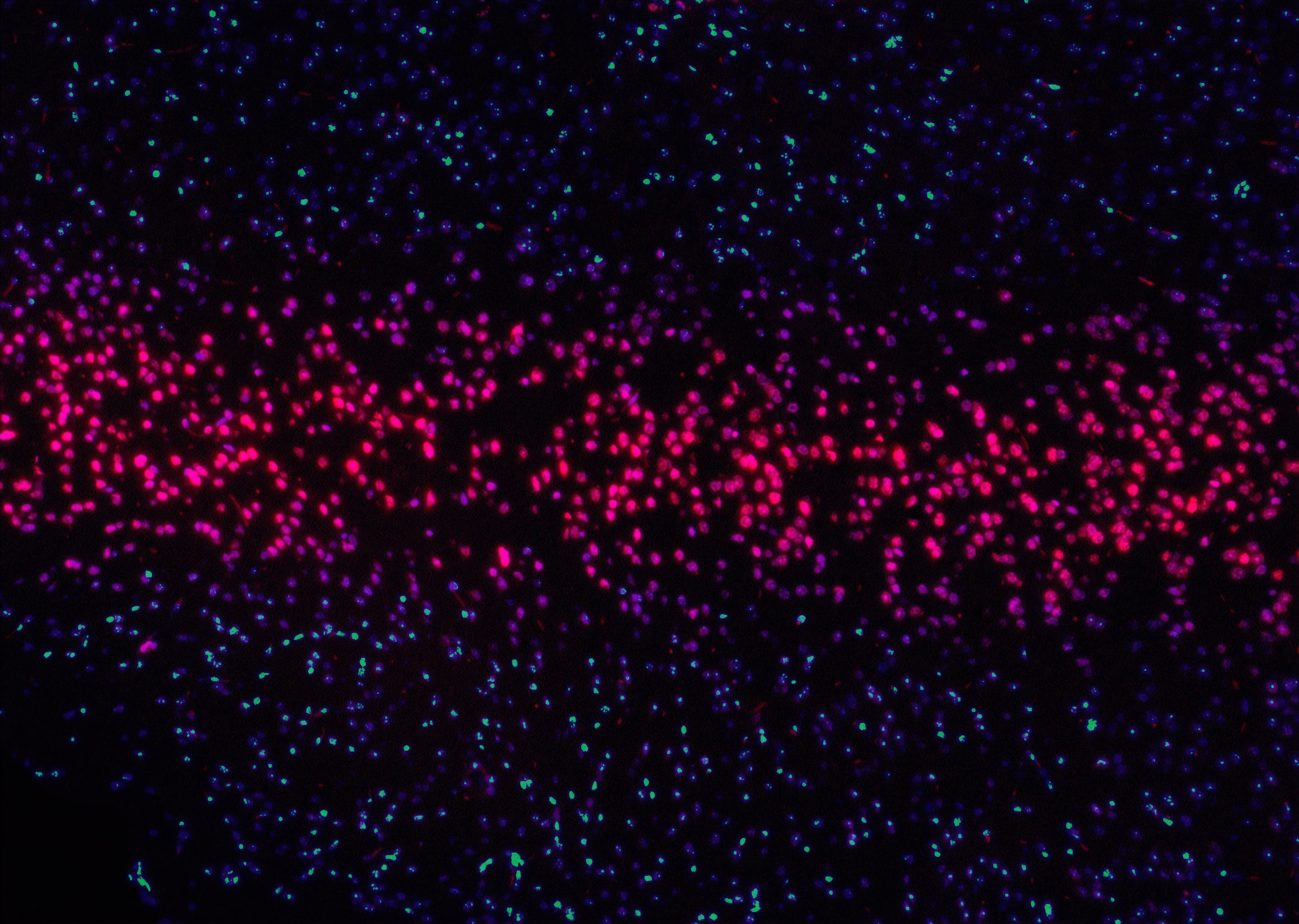
Event Calendar block can be used to search and display events in a listing format.

Event Calendar block can be used to search and display events in a listing format.

The banner block displays a full-width image banner with one or two lines of text overlaid on a gradient. It can be shown at layout or full width.

The accordion contains other blocks in an accordion behavior layout.

The banner block displays a full-width image banner with one or two lines of text overlaid on a gradient. It can be shown at layout or full width.